Step 1
If you're trying to exit the kiosk application to gain access to the windows device, tap the top left corner of the screen five times.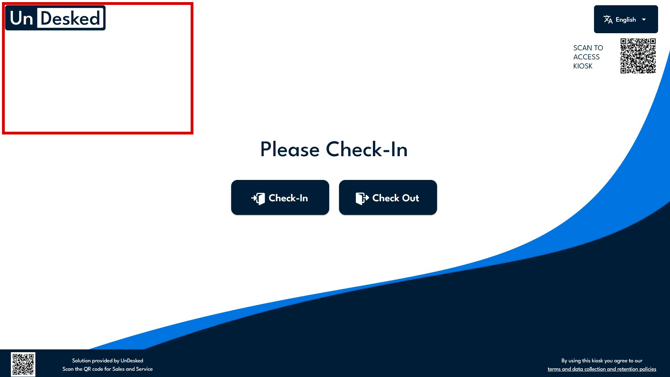
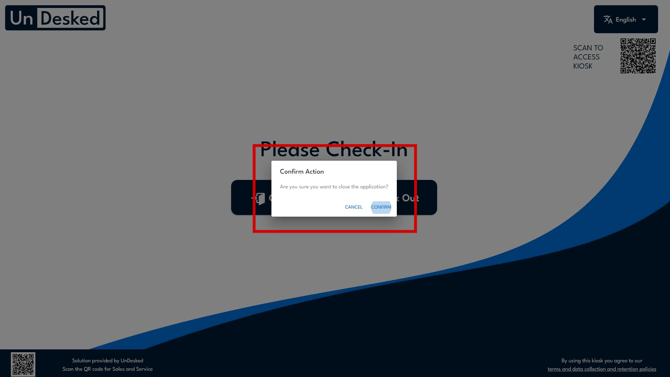
Step 2
A confirmation window will appear to confirm that you want to close the application. Click "Confirm" to close the application.