
Step 1
Exit the kiosk application to gain access to the windows device by tapping the top left corner of the screen five times.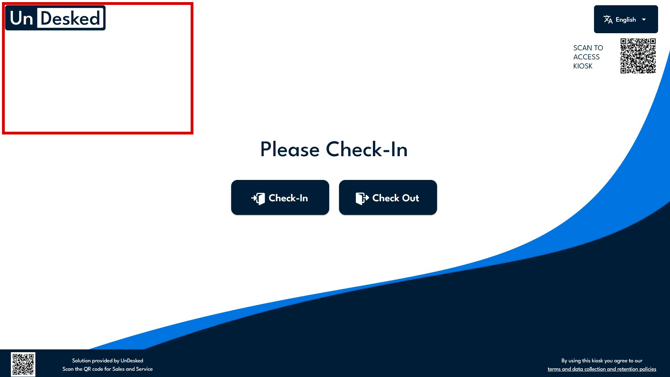
Step 2
A confirmation window will appear to confirm that you want to close the application. Click "Confirm" to close the application.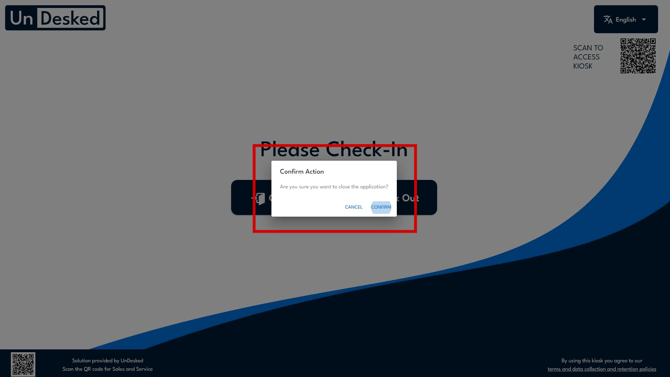
Step 3
Right click on the desktop and open click on "Display Settings"..png?width=187&height=308&name=image%20(10).png)
Step 4
Adjust the scaling to 100% and the resolution to 1920x1080.
.png?width=670&height=455&name=image%20(9).png)
Step 5
Reboot the application and the scaling/resolution issues should be resolved.